We are thrilled to introduce a significant upgrade to our Certificate System, designed to elevate your achievements to a truly professional and verifiable standard.
Each certificate is now unique, secure, and fully traceable. When you successfully complete an eligible course, you will find a certificate generation button at the end of the final lesson, allowing you to instantly create your personalized certificate. Every certificate includes:
A unique identifier number assigned exclusively to you
A tracking QR code that enables instant authenticity verification
A professionally structured format suitable for portfolios, professional profiles, and formal sharing
In addition to generating certificates at course completion, you can also generate or re-generate certificates directly from your dashboard at any time. This option is available only for courses that are 100% completed and marked as eligible, ensuring the integrity and credibility of the system.
This upgraded system allows third parties to verify the authenticity of your certificate, adding real value and legitimacy to your completed studies.
Important notes:
Certificates are issued only for eligible paid courses
Grimoires do not include certificates
Free courses do not include certificates
Partial completion does not unlock certificate access
This enhancement reflects our commitment to maintaining high standards, credibility, and professional recognition for our members. Your progress now comes with documentation that is secure, verifiable, and worthy of the work you have invested.
We encourage you to explore the new system and begin generating certificates as you complete your eligible courses.
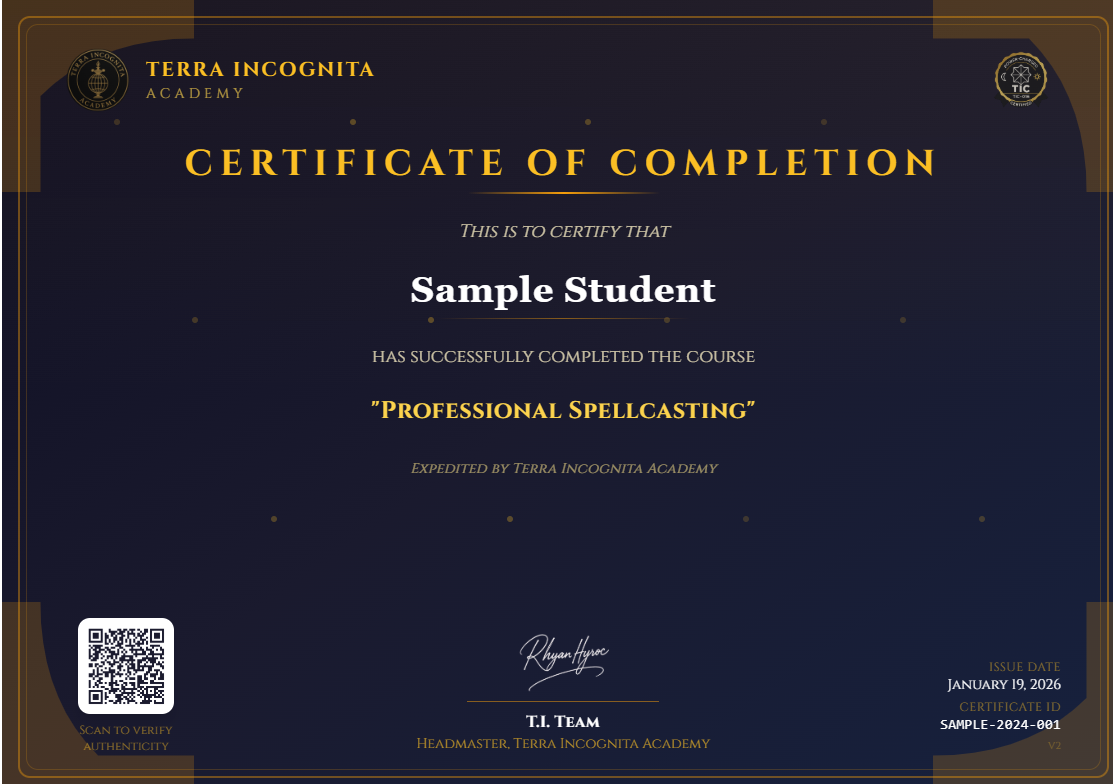
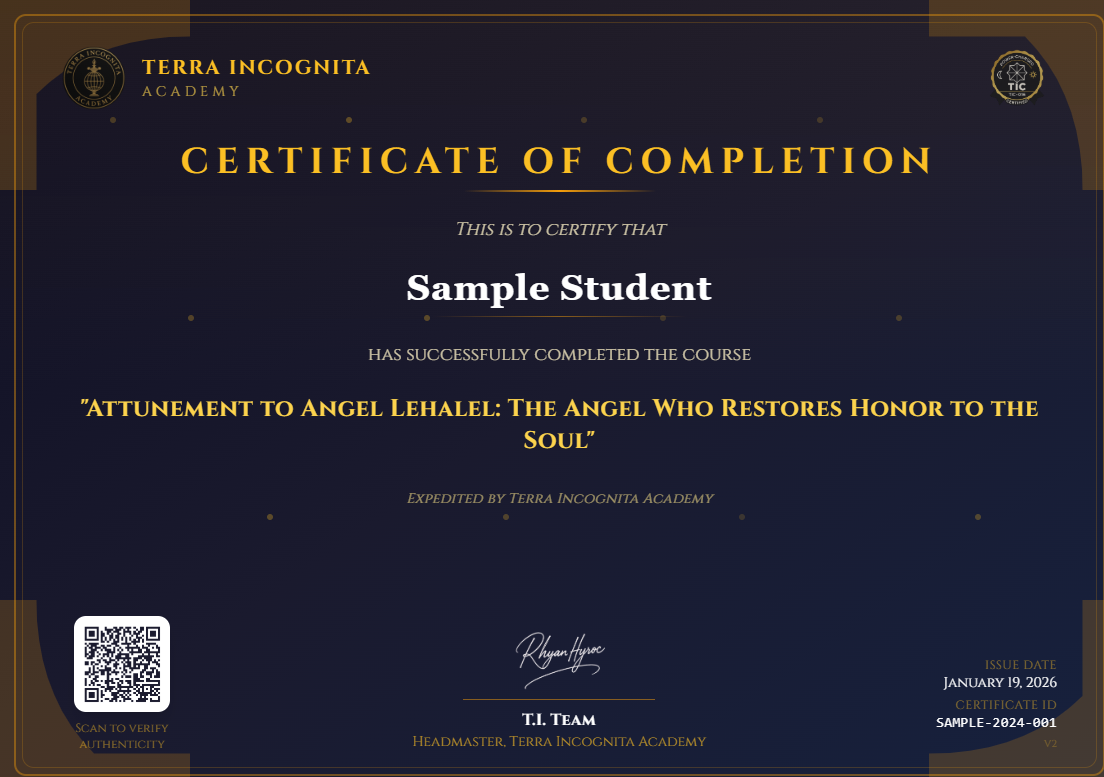
Go to your dashborad to generate your certificates: https://terraincognitaacademy.com/admin